Manual processing mode is the default mode of operation for Scans. It allows for the verification of matching and other aspects before saving files.
The section on the left displays the list of scanned documents to be processed, as well as a count at the bottom. You can configure the number of documents listed here by updating the PDF processing setting. By default, a maximum of 6 can be displayed.
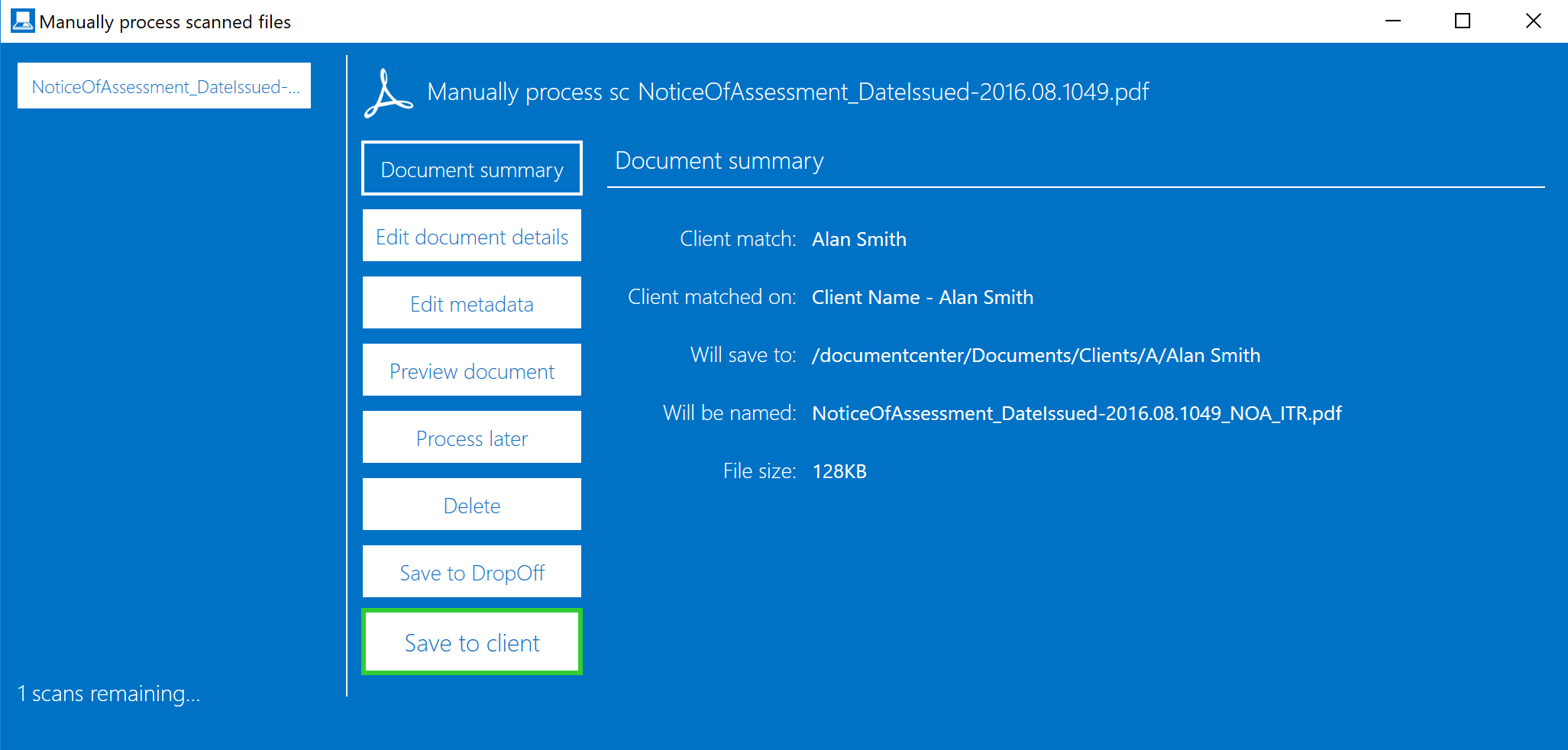
Learn more about the different options: